V3
UI and performance
Refined the interface, fixed bugs, and improved frame positioning to prevent overlaps.
Independent product · Figma plugin · 2024
I researched, designed, built, and launched a plugin that creates, names, sizes, and organizes multiple Figma frames in one action.
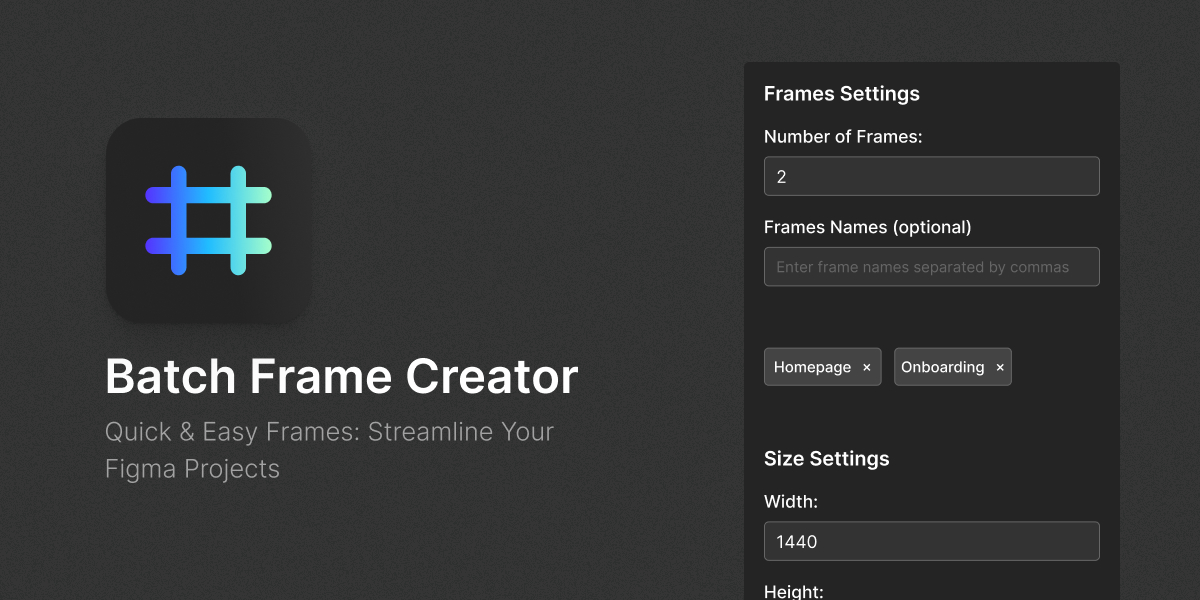
Opportunity
Complex user flows often require dozens of frames. Creating, naming, sizing, and arranging each frame by hand interrupts the design process.
The idea started during a normal workday, after I watched a colleague struggle with the same repetitive setup I had experienced.
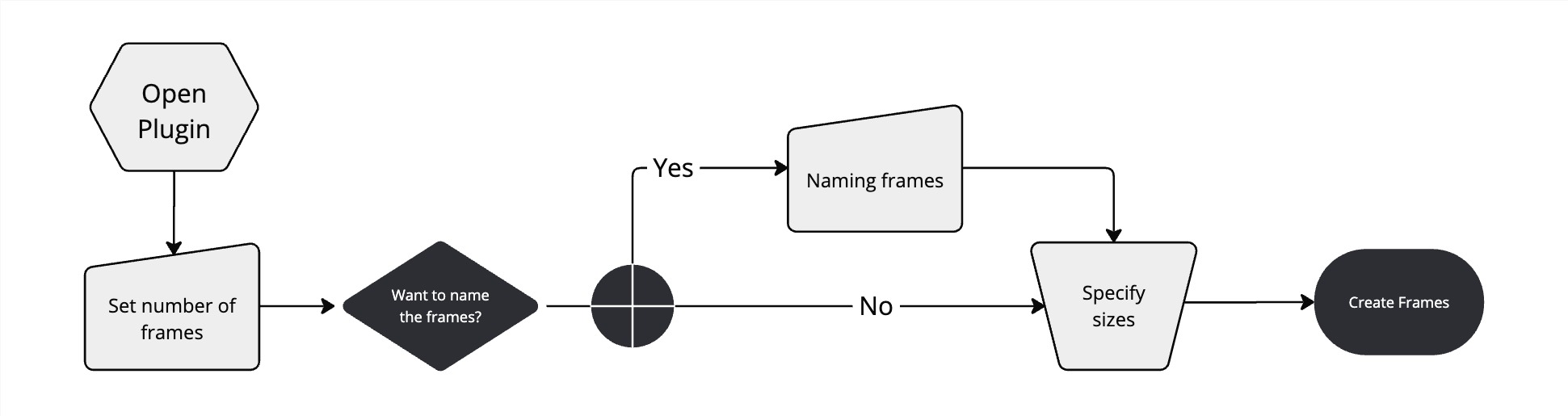
Figma had no built-in way to create, name, size, and arrange a batch of frames in one action.
Discovery
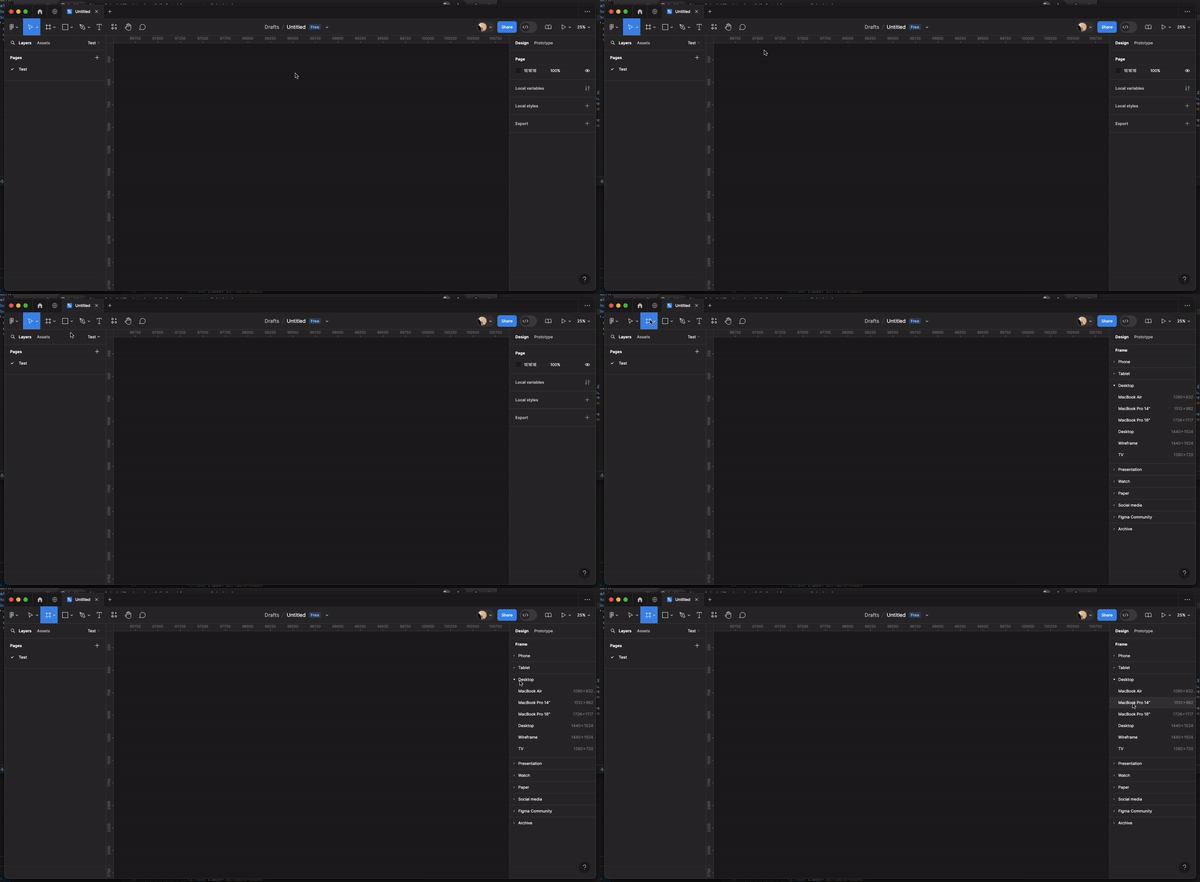
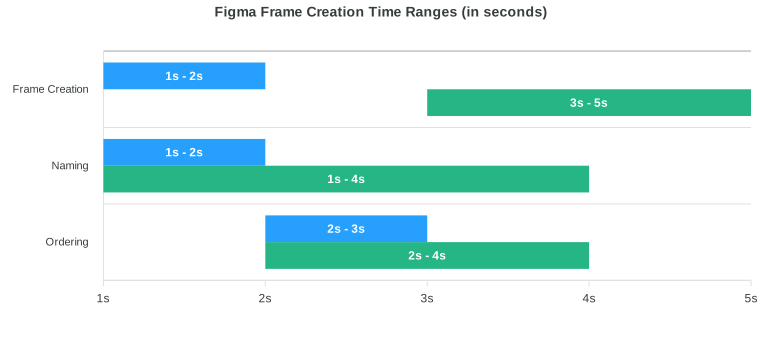
I broke the task into three actions: creating, naming, and ordering frames. Initial tests suggested that creation alone takes about one to five seconds per frame, depending on whether a designer uses a template or starts from scratch.
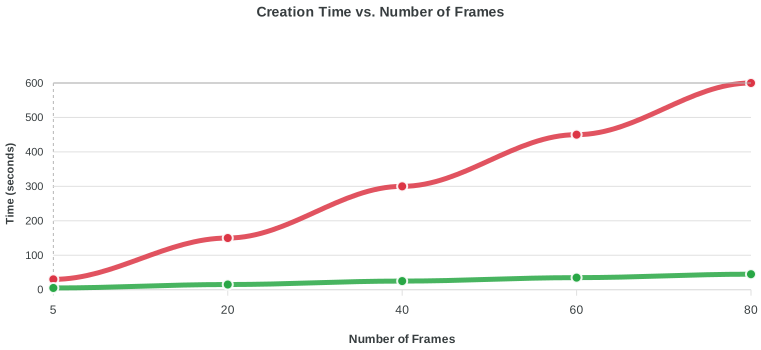
Each action is short. The cost becomes visible when a flow needs 20, 40, or 80 frames.
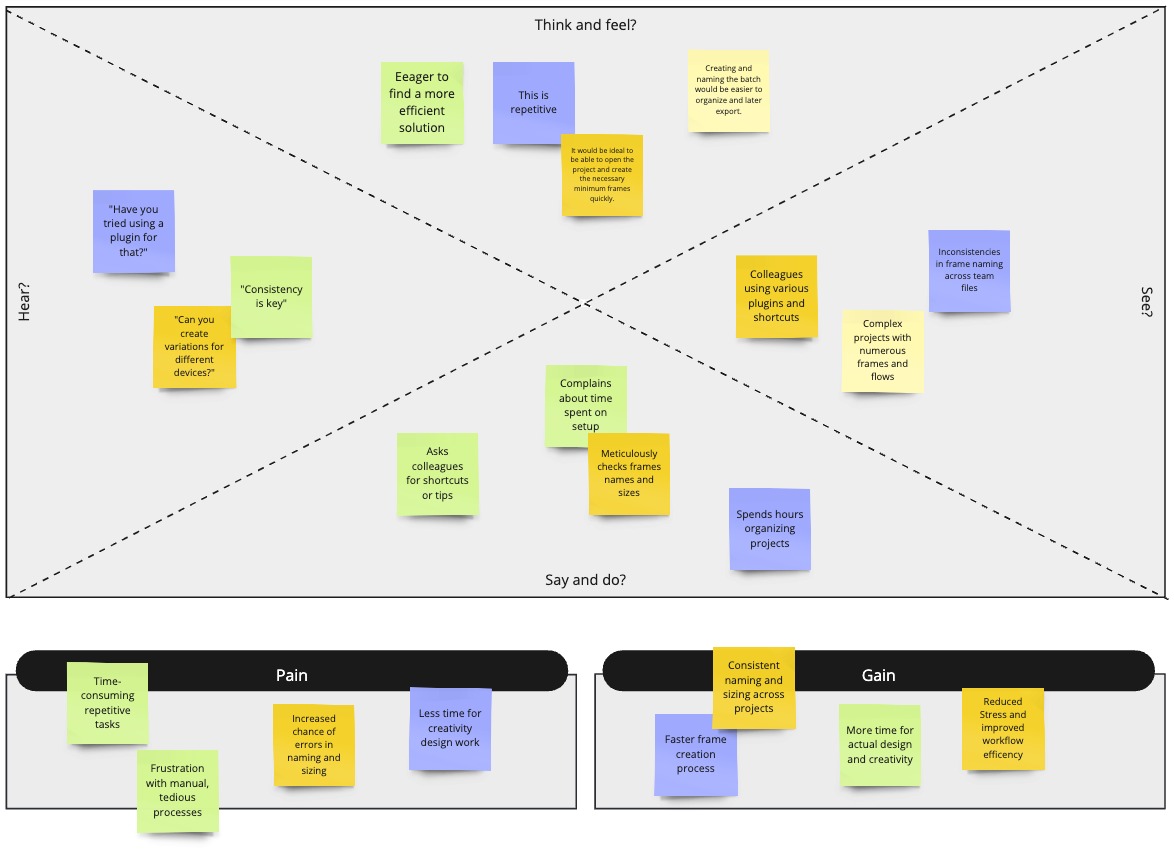
A market scan found plugins with related features, but none matched the workflow I wanted to test. An empathy map helped frame three needs: less time spent on repetition, less frustration during setup, and more consistency across large projects.
Scope
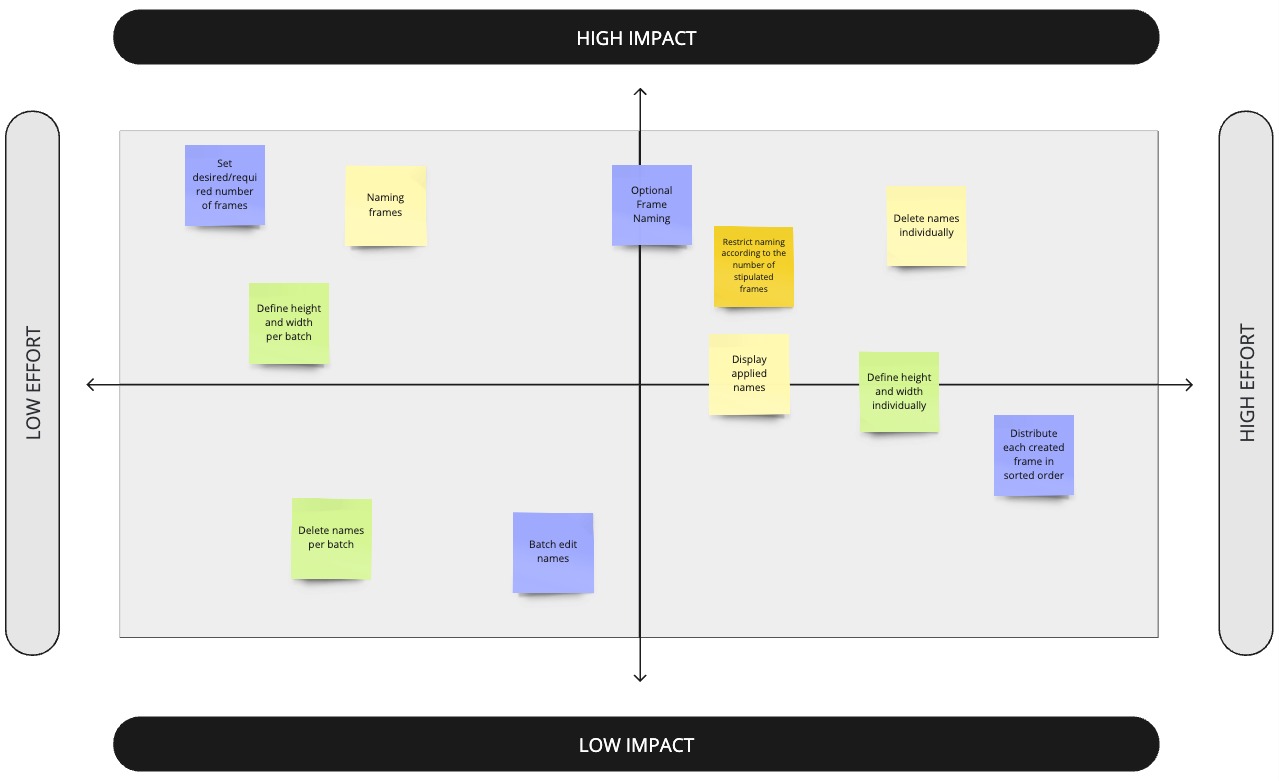
I used an effort matrix to balance user value with development complexity. The first release needed to solve the complete setup task while keeping the interaction short.
Build
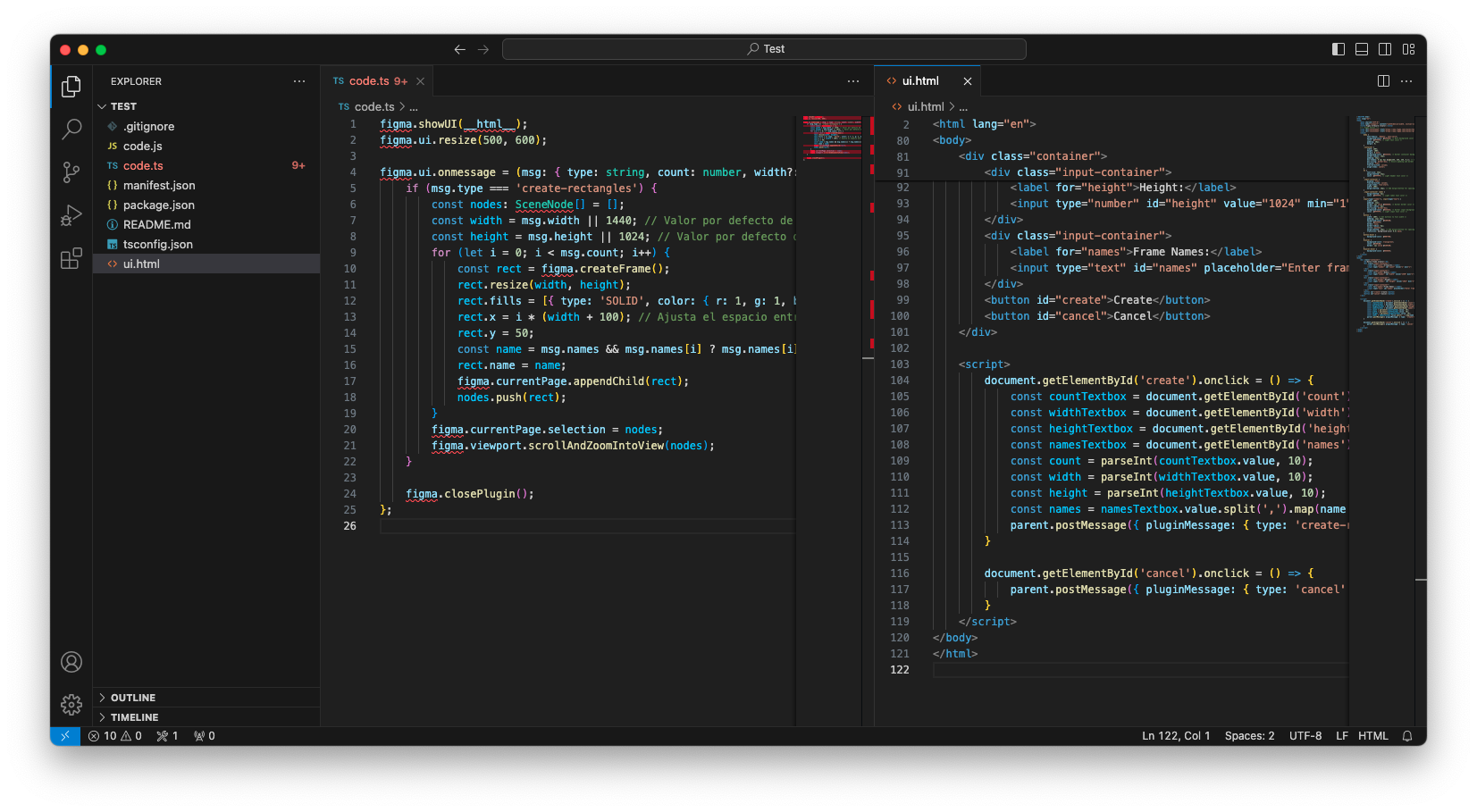
Building the plugin made technical feasibility part of the design process from the beginning.
I combined my HTML, CSS, and JavaScript experience with Figma API documentation. AI assistance helped me learn TypeScript and work through parts of the product logic.
The interface evolved through personal testing, informal feedback from colleagues, and repeated usability checks.
Interface
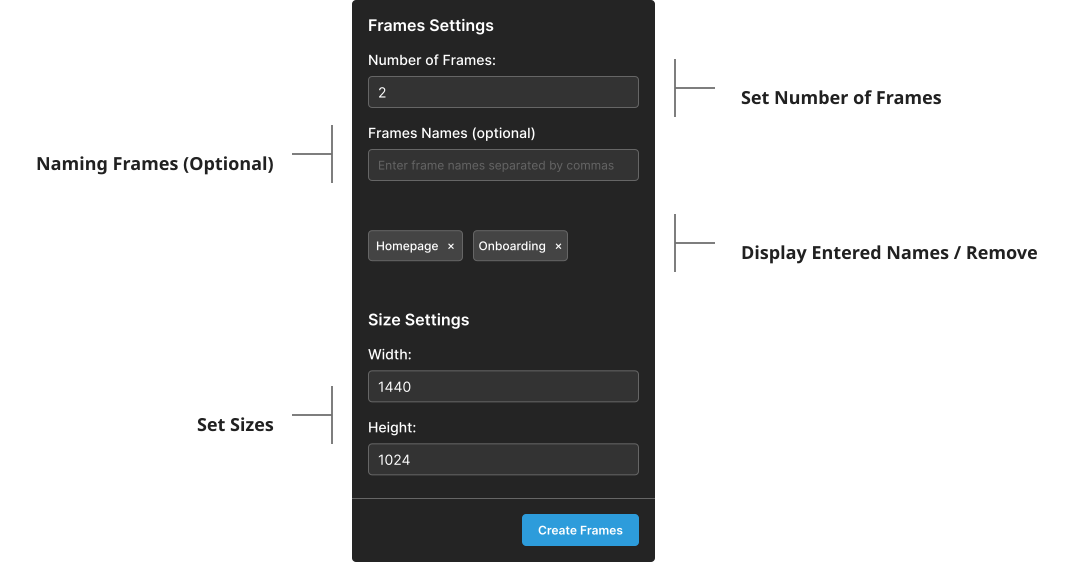
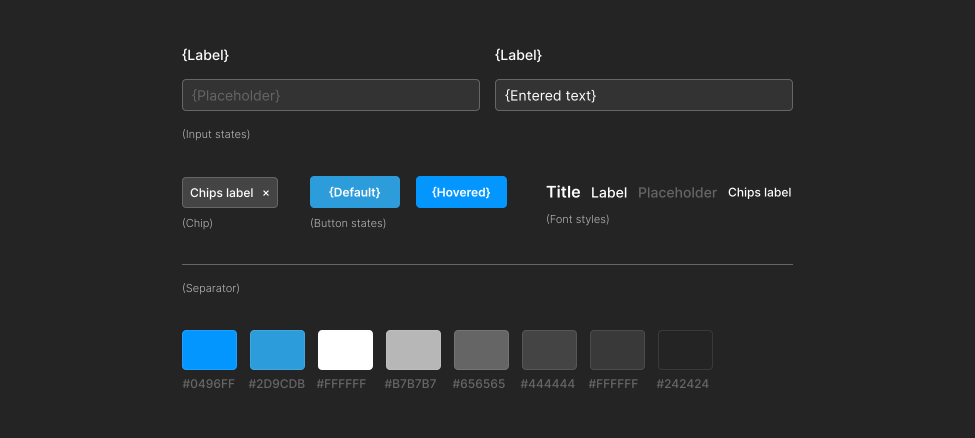
The plugin uses Figma's visual language, including its typography, colors, spacing, and control patterns. Familiar conventions reduce the learning curve and help the tool feel native to the platform.
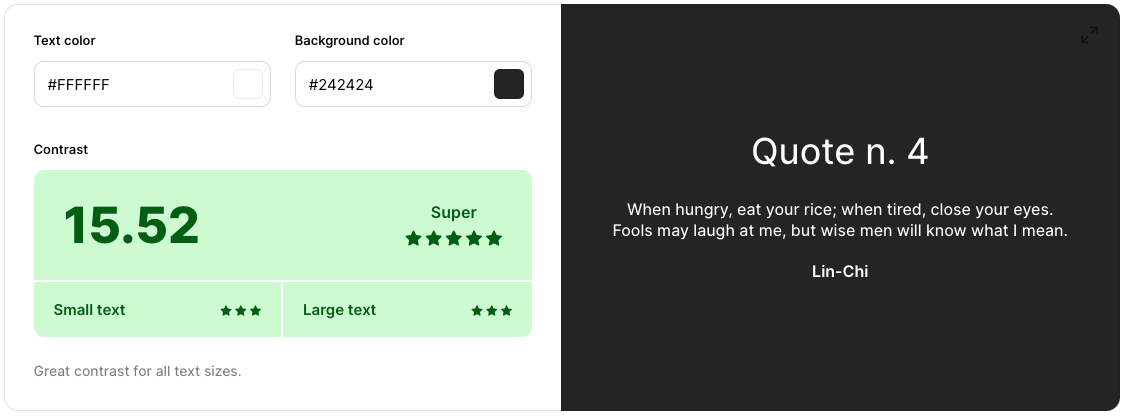
Accessibility checks focused on legibility, contrast, clear labels, and a simple task flow.
Outcome
The plugin turns a sequence of repeated actions into one configurable batch.
A comparison with the manual method showed that the time gap grows as the number of frames increases. These figures are estimates and vary with user experience and system performance.
After the community release, I continued to address bugs and incorporate feedback. Each update improved a specific part of the workflow.
V3
Refined the interface, fixed bugs, and improved frame positioning to prevent overlaps.
V2
Added support for unlimited frames per batch and specific names for each frame.
V1
Adjusted the plugin view and improved how the interface renders.
Reflection
Continue collecting community feedback and improve the plugin without adding friction to its core workflow.
More work